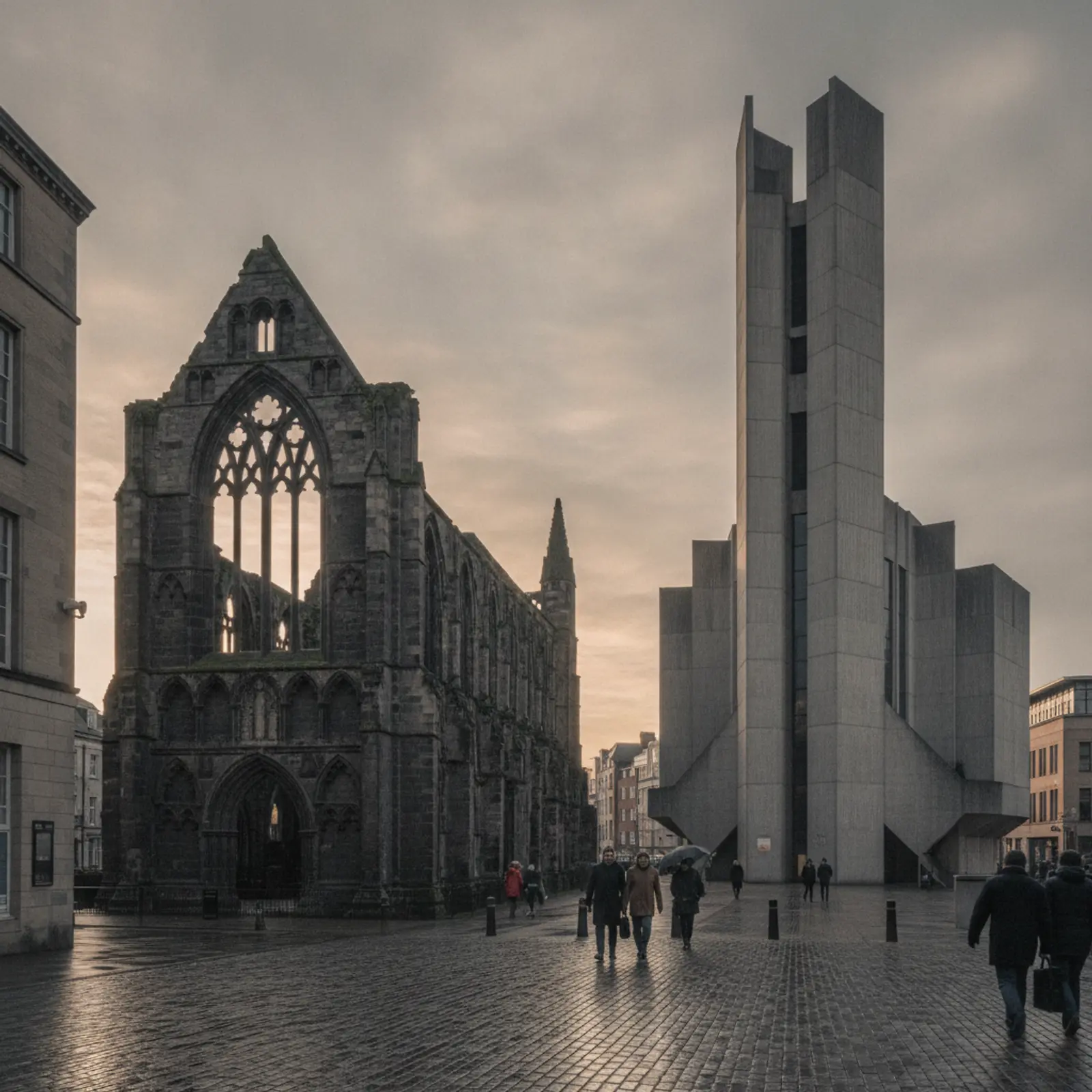
A city that more people visit now
Coventry held the title of UK City of Culture in 2021. The programme brought events, new venues and a lot of national attention, and it also changed how many people outside the region think about the city. The ruins of the old St Michael's cathedral, destroyed in the air raid of November 1940, and Basil Spence's new cathedral beside it, consecrated in 1962, remain the biggest draw. The Coventry Transport Museum, the Herbert Art Gallery and Museum and a busier events calendar bring visitors too.
For cafés, bars, restaurants and small venues, that means a share of customers who have never been to the city before and are deciding where to go on their phones, often while standing in the street.
Here is what we recommend hospitality businesses get right.
The short version
Your Google profile is seen before your website, so keep the two identical: hours, menu, photos and booking link. Put the menu on a real web page, make booking one tap on a phone, and tell groups you can take them. Small, regular updates beat an expensive redesign that is never touched again.
Your Google profile is your front door
For a visitor searching "coffee near Coventry Cathedral" or "dinner Kenilworth", the Maps listing is often the only thing they look at. Accurate opening hours, the right categories, a menu link, recent photographs and a good number of genuine reviews do most of the work.
Update the hours for bank holidays and events. Few things lose a customer faster than walking to a closed door that Google said was open.
Put the menu on the page, not in a PDF
PDF menus are hard to read on a phone and invisible to search engines. A simple menu page in plain HTML, with prices and dietary information, is better for customers and for search.
Keep it current. If you change the menu seasonally, set a reminder to update the website on the same day.
Make booking easy
If you take bookings, put the button near the top of every page and make sure it works on a phone. If you use a booking platform, link to it directly rather than asking people to phone.
If you do not take bookings, say so clearly, along with roughly how busy you get and when.
Connect to the visitor trip
Visitors plan around landmarks. A short page about how to find you from the cathedral, the railway station or the main car parks, or which events you are open late for, helps both visitors and search visibility.
In Kenilworth, the castle and the Abbey Fields play the same role. In Leamington and Warwick, it is the shopping streets and the castle.
Speak to locals too
Visitors come and go; locals keep a business going through January. A website and social presence that mentions regular events, quiz nights, lunch deals or private hire gives locals a reason to come back, and gives search engines a reason to show you for more queries.
Photography that sells the room
For cafés, bars and restaurants, photographs do more selling than any amount of copy. You do not need a big shoot. A morning with decent natural light, a few dishes made properly, the room set up as it looks at its best and a couple of pictures of the team working will cover most needs.
Use the same set on your website, Google profile and social channels so people recognise you. Replace them when the room or the menu changes significantly. Out-of-date photographs set false expectations and can lead to disappointed reviews.
Events, private hire and groups
Coventry's events calendar, from concerts and football to festivals in the city centre, brings groups looking for somewhere to eat before or after. If you can take groups, say so clearly, with numbers, any set menu and how to book.
Private hire pages for birthdays, work parties and wakes are worth having too. These enquiries are often valuable, and people searching for them are usually ready to book if they can see the room, the capacity and a way to ask.
Accessibility and practical details
State whether you have step-free access, an accessible toilet, baby-changing facilities and space for pushchairs or wheelchairs. Say whether dogs are welcome. Mention the nearest car park or bus stop. These details decide visits for many people and are often missing from hospitality sites.
A checklist for a hospitality website
- Opening hours on the home page, matching your Google Business Profile exactly.
- A menu as a web page, with prices and dietary information, not a PDF.
- A booking button visible on a phone without scrolling.
- Clear directions, nearest parking and how far you are from the station or cathedral.
- Real photographs of food, drink and the room, taken recently.
- Information on groups, private hire and events, if you offer them.
- Accessibility information: step-free access, toilets, seating.
- A short story about who runs the place, if you are independent.
Keeping it current without extra work
The best hospitality sites are not the most elaborate; they are the ones kept up to date. Choose a setup where you can change the menu, hours and events yourself in a few minutes. Link your booking system rather than rebuilding it. And keep your Google profile in step with your site, because visitors will see the profile first.
| Task | How often |
|---|---|
| Check hours and special openings | Weekly, and before every bank holiday |
| Update the menu page | Whenever it changes |
| Add new photos to your profile | Monthly |
| Reply to reviews | Weekly |
| Update events or seasonal offers | As they are announced |
Our website design and local SEO services are set up for small hospitality businesses, and our city centre page covers the visitor trade in more depth.
Common mistakes on hospitality sites
- The PDF menu. Hard to read on a phone, invisible to search and usually out of date.
- Hours that disagree. The website says one thing and Google says another, and the customer believes neither.
- A booking button buried at the bottom. If people have to hunt for it, many will book somewhere else.
- Old photos. If the room has been refurbished or the menu has changed, the photos should too.
- No mention of groups. Groups before an event or a match are valuable; tell them you can take them.
Fix these and most small hospitality sites will already be ahead of many competitors in the centre.
Keep it light and fast
Hospitality sites are often built with large video backgrounds and heavy image galleries that take ages to load on mobile data. A fast, simple site with a few excellent photographs will serve customers better.
The goal is for someone standing on Broadgate on a phone to see where you are, whether you are open and what you serve, within a few seconds.